

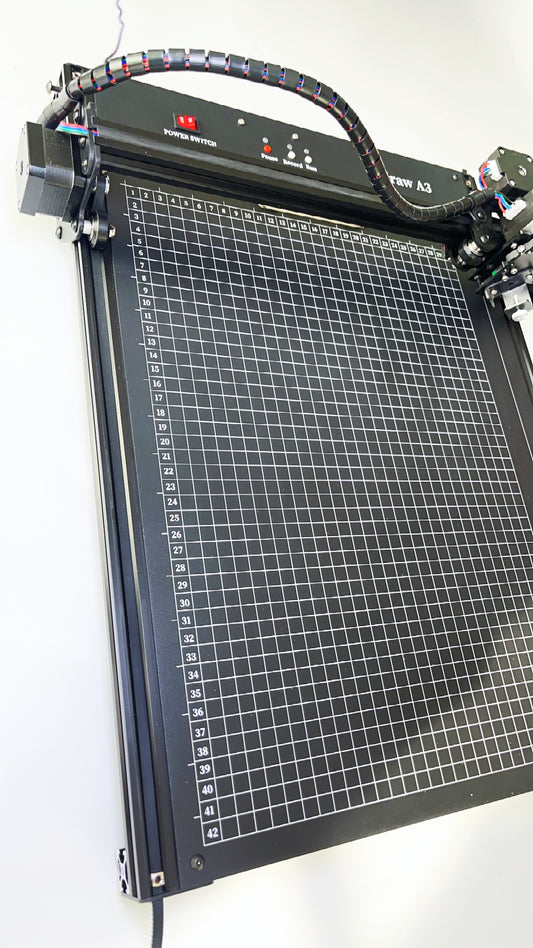


Precise, repeatable results
Turn vector paths into consistent physical lines for drawing, handwriting, calligraphy, signatures, and diagrams.


Shop XDRAW pen plotters: A4 (12x12") & A3 (15x17") models with offline...

iDraw 1. machine has a Cross-structure, C-A3, which varies in working range. With 20T wheel and 16T wheel for your choice.

iDraw H structure new machine with faster speed. HA3 with plate, H-A3 without plate. T-A4 with Plate.

Real-time and energy-saving.
Whether it’s elegant handwriting, detailed illustrations, or precise diagrams,XDRAW turns digital concepts into real, hand-drawn art — beautifully and consistently.
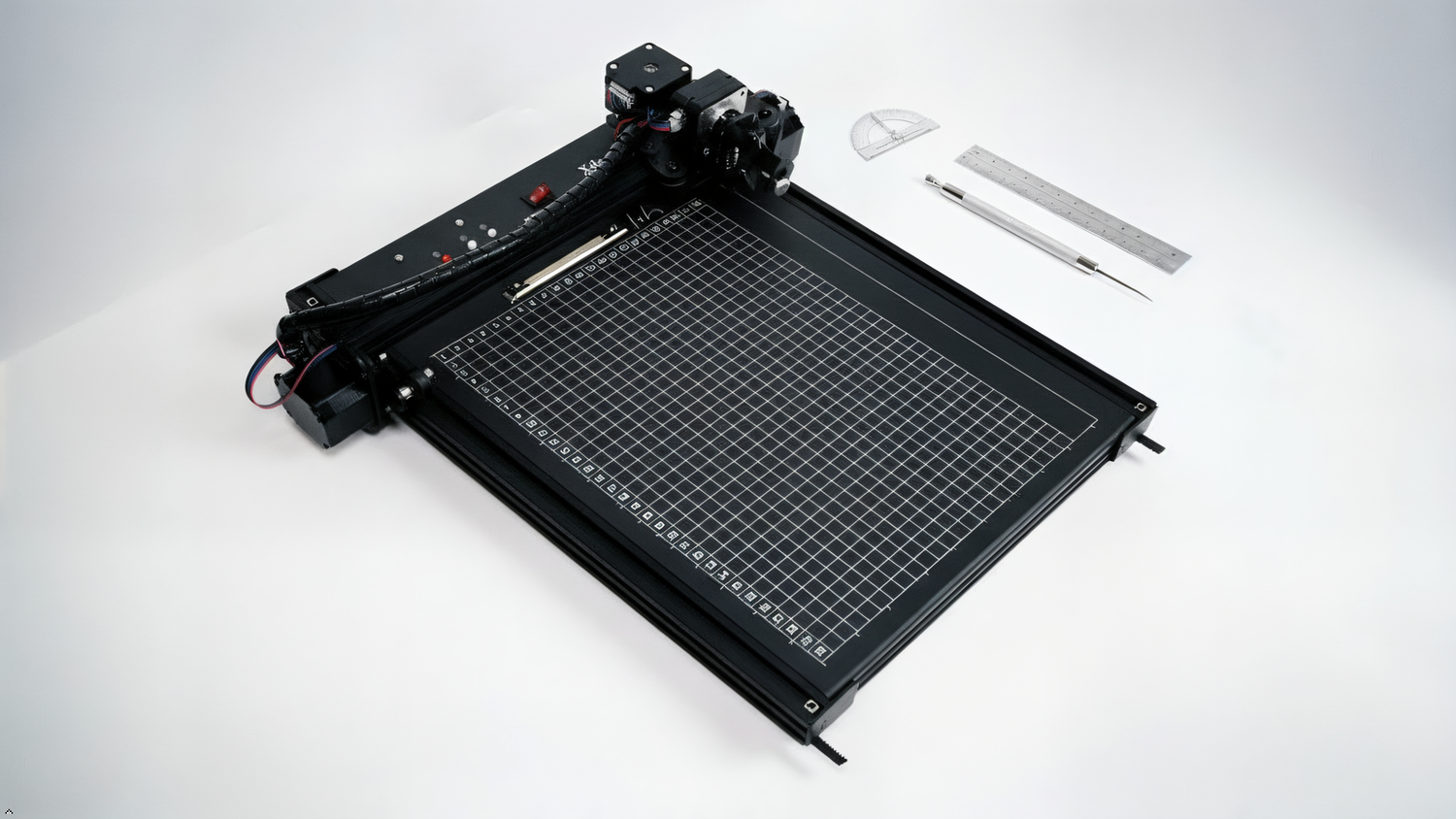
Integrated main board, Compatible with larger high-power laser extension.
A4 working range.
Enlarged Base Plate 12 x 12''.
Offline function. Real-time and energy-saving.
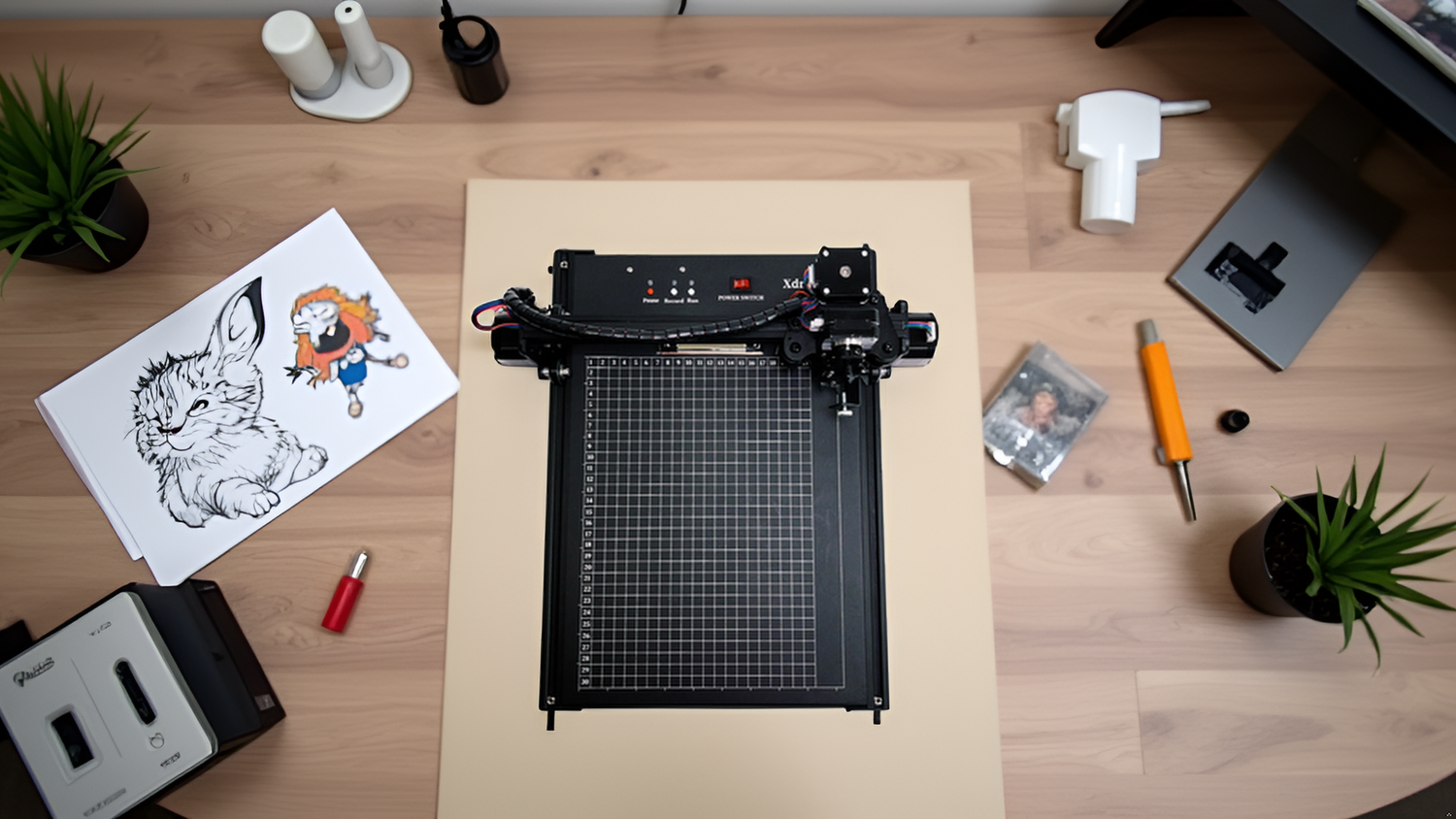
Integrated main board, Compatible with larger high-power laser extension.
A3 working range.
Enlarged Base Plate 15 x 17''.
Offline function. Real-time and energy-saving.
A3 Working Range
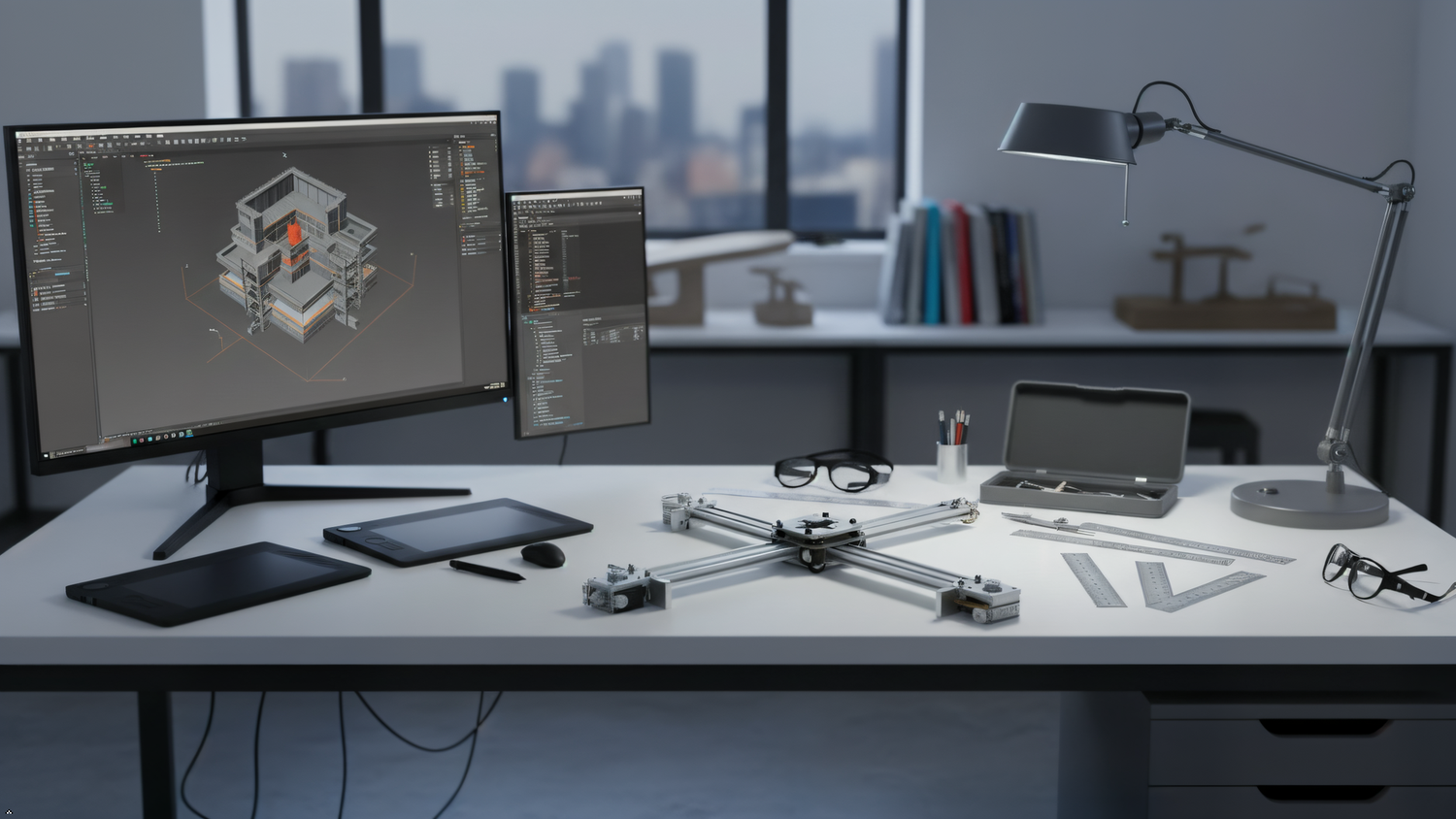
High-Speed CoreXY Pen Plotter
Sturdy Metal Design

Designed for real creative work
XDRAW brings digital accuracy to physical making, with practical machines for artists, stationery studios, makers, and small production teams.
Turn vector paths into consistent physical lines for drawing, handwriting, calligraphy, signatures, and diagrams.
XDRAW A3 and A4 models support offline operation, helping you run prepared jobs without keeping a computer connected throughout the complete plot.
Choose compact A4, expanded A3, or high-speed CoreXY motion with XDRAW Lite according to your paper size, workflow, and output needs.
Work with real pens and compatible drawing tools, preserving the texture, ink variation, and material character that digital printing cannot reproduce.
Compatible XDRAW models can grow with optional laser extension kits, giving experienced users another way to explore materials and production techniques.
Use one workflow for individual artworks, personalized customer notes, stationery, branded inserts, signatures, and repeatable creative output.
This is my first pen plotter and I’m so glad I got it. The documentation was thorough. Support has been responsive for advanced questions. Over the last months, I’m sure that mine has held up at least a hundred hours of writing already.Everything runs through Inkscape extensions outputting SVG paths. The simplicity is addictive. You can run it fast, but it looks better slow.There is quite a community of hobbyists and professional artists around pen plotters. The A4 is perfect for my space and introduction, but my next plotter will be bigger.
I recently purchased the XDraw A4 pen plotter, and I have been extremely impressed with it. From the build quality and thoughtful design to the accuracy of the finished results, this has been an excellent purchase.My primary reason for buying the XDraw was to create business letters using handwriting fonts, and the results have exceeded my expectations. The plotter produces remarkably clean, precise writing, and the finished letters have the natural, personal appearance I was hoping to achieve. It adds a completely different dimension to correspondence compared with simply printing a handwriting-style font on a conventional printer.Setup and operation were also much easier than I expected. The machine is well designed, feels solid and well made, and once I became familiar with the basic workflow, producing finished pieces was straightforward.What I particularly appreciate is the combination of precision and versatility. Watching an actual pen create the lettering is impressive, but more importantly, the finished product looks excellent. For anyone wanting to add a genuinely personal touch to letters, cards, invitations, or other projects, the XDraw opens up a lot of possibilities.I am thrilled with my purchase and feel the XDraw A4 represents an excellent value. It has done exactly what I hoped it would do—and has actually inspired me to think of even more ways I can use it.Highly recommended.
わからない事がありお問合せしましたが親切に丁寧に、教えていただきました。ありがとうございました!
セットアップが少し大変でしたがとてもすばやく綺麗にかけていて感動しました!
Ottimo prodotto !!!! venditore consigliato !!!!
It takes time to figure out the right settings for the “robot” and you may want to buy a better single line font ($140/each) than what comes with the printer but once it’s dialed in this thing is wonderful. I use it to write a common message on cards and the use the merge function to address the envelopes. It’s a manual process to switch from one card to the next but zero hand cramps after hundreds of cards. I do hand sign each card.
This is a well-designed and capable product that does exactly what it’s intended to do. The build quality is solid, and once set up, it performs reliably and produces consistent results. It’s a useful tool for anyone looking for this type of functionality and offers good value for the price.
It Works Perfectly & Very easy to use.
This is amazing! This going to save me so much time.I had some trouble setting it up and the team hoped on a call to help me within a few hours of reaching out.Great product!
I wanted to try this new A4 pen plotter. It is small and easy to carry. When it arrived, it was already fully assembled. The video guide is very clear. I like the angled pen holder. The ink comes out smooth and the pen tip does not get damaged.The machine also looks very nice, a kind of mechanical aesthetic
Exelente llego en tiempo y forma
The xDraw A4 Pen Plotter works exactly as advertised. The setup was straightforward, and the offline function makes it super convenient. It delivers clean, precise lines and handles detailed drawings beautifully. Great value for anyone interested in digital art, automation, or signature writing projects. Highly recommend!
1台のPCから2台のidrawを動作させることができず、販売者に問い合わせたところ手厚くサポートしていただきました。無事に2台同時に動かすことができるようになりました。英語でのやり取りでしたが、私のつたない英語でもこちらの意向を丁寧に汲み取っていただき、最適な設定にしていただけました。また本体を増やす際はお世話にになると思います。ありがとうございました。
楽しいです。精度も高く、さまざまな画材や手法で実験しています。組み立ても簡単で、同梱USBメモリに含まれるマニュアルはかなり親切にまとめられています。
Ho dovuto pagare 50 euro di dogana in più, ma tutto ok
Questions & answers
Learn how XDRAW works, choose the right size, and understand the basic workflow before you buy.
A pen plotter is a computer-controlled drawing machine. It moves a real pen or compatible tool along vector paths to produce physical drawings, handwriting, calligraphy, signatures, and diagrams.
Choose XDRAW A4 for cards, letters, signatures, and a compact workspace. Choose XDRAW A3 when you need a larger drawing area or base plate. Choose XDRAW Lite when an A3 working area and fast CoreXY motion are the priority.
XDRAW follows vector lines and paths. Illustrations, single-line drawings, handwriting, calligraphy, signatures, diagrams, and generative art can all work well when prepared as suitable vector artwork.
On supported XDRAW A3 and A4 models, you prepare the job using the supported workflow and then run it without keeping the computer connected for the entire plotting process. Follow the model manual for the exact preparation and transfer steps.
XDRAW uses real writing and drawing tools. Compatibility depends on the tool's dimensions, weight, and the fitted holder, so confirm that a pen is secure and test pressure and clearance before starting a full job.
Selected XDRAW A3 and A4 models are compatible with optional XDRAW laser extension kits. Laser work requires appropriate ventilation, protective equipment, material checks, and strict compliance with the product's safety instructions.
Plotting time depends on the total path length, movement speed, pen changes, and complexity of the artwork. A short note may be quick, while a dense illustration with thousands of paths will take longer.
Start with the manual supplied for your model, then visit the XDRAW Journal for tutorials and project ideas. For product-specific questions, contact XDRAW with your machine model and a clear description of your workflow.

Watch the XDRAW pen plotter write a hand-drawn welcome card using its offline function. Watch here. After a drawing task has been recorded in the machine’s internal memory, no USB...
Watch the XDRAW pen plotter write a hand-drawn welcome card using its offline function. Watch here. After a drawing task has been recorded in the machine’s internal memory, no USB...

Running more than one pen plotter can transform a creative workspace. Instead of waiting for each drawing to finish, makers can prepare multiple jobs and work across several machines at...
Running more than one pen plotter can transform a creative workspace. Instead of waiting for each drawing to finish, makers can prepare multiple jobs and work across several machines at...


